
How and when to pay your affiliates

Pay your affiliates on a set day, for sales that are past your refund time. Send the money yourself or give store credit, and keep a record of every payment.
Here is how to set each part, and what to do when a sale is refunded after you have paid for it.
Wait until the refund time has passed
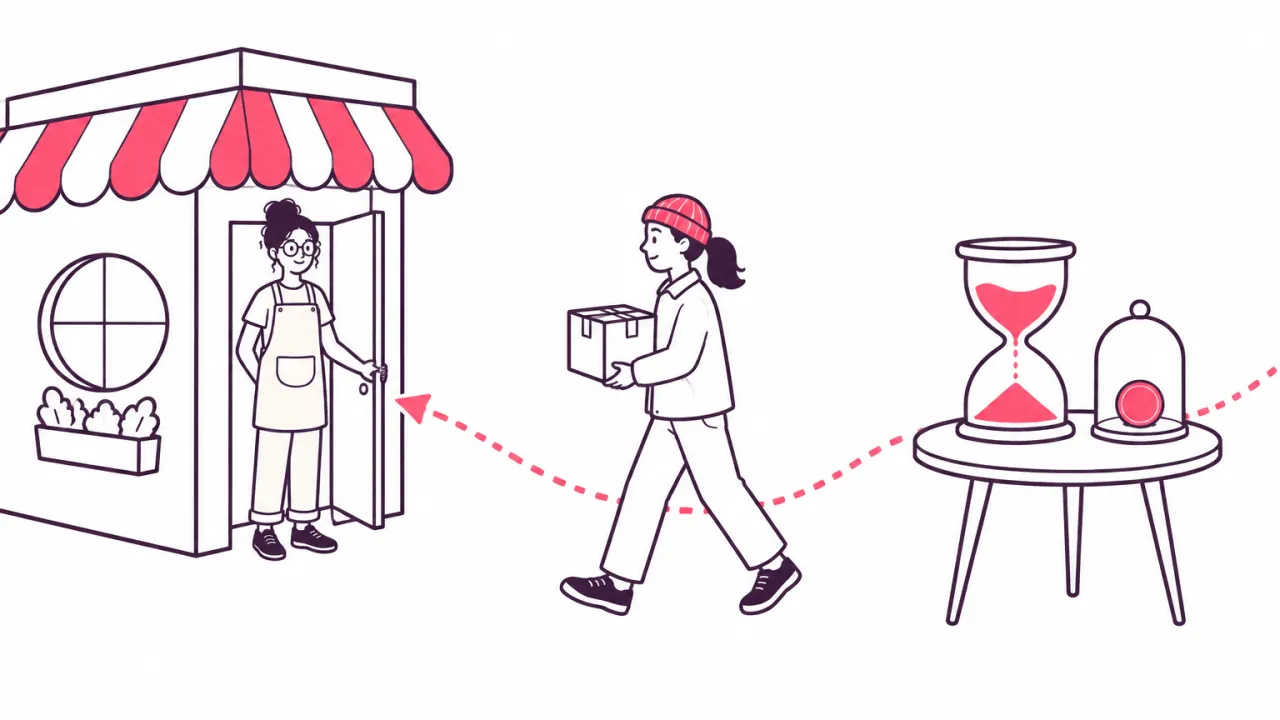
A sale can still come back. If you pay the commission the day the order comes in, and the customer returns it a week later, you have paid for a sale you did not keep.
So let each commission wait first. Match the wait to your own returns promise: if customers have 30 days to send things back, hold commissions for at least 30 days.
The wait also gives you time to look at a sale that seems wrong. Affiliate fraud: five things to watch out for shows what to look for.
Tell your affiliates about the wait before they start. A wait nobody explained feels like not being paid.
In Udeely: every commission waits before it can be paid. The wait is 30 days unless you change it. If the order is refunded in that time, the commission is cancelled, and a part refund takes off only that part. Each affiliate sees their commissions as Pending, Approved or Paid in their own dashboard.
Pick a pay day and say it
Affiliates don't mind waiting. They mind not knowing. Pick one day, for example the first Monday of the month, and keep to it.
Say the day in three places: on your join page, in your terms, and in your welcome message. Your first week with affiliates has the other things a new affiliate should hear from you.
If you will be late one month, tell them before the day, not after.
In Udeely: the Payouts page adds up what each affiliate is owed from commissions that have passed the wait. On pay day the list is ready. The affiliate dashboard answers "When do I get paid?" in plain words, so you get fewer messages asking.
Set a smallest payout
Sending a very small amount costs you time, and sometimes a fee. Set a smallest payout, and let anything below it roll over to the next pay day.
Keep the amount low enough that a new affiliate can reach it with a few sales. A bar that is too high feels like a trick. What commission should you pay your affiliates? helps you work out what a few sales earn.
In Udeely: you set a minimum payout amount. A balance below it carries over to a later payout by itself, and nothing is lost. This is on every plan.
Choose how the money goes
There are two ways to pay an affiliate:
- Money. You send it from your own payment account. This is what most affiliates expect.
- Store credit. The affiliate gets credit to spend in your shop. This suits affiliates who are also your customers.
Let the affiliate choose where you can. Someone who shares your shop for the love of the products may be happy with credit. Someone who does this as work wants money.
In Udeely: the shop pays, and Udeely makes it easy. Udeely does not send money for you. It makes a payout list for PayPal, Wise or Payoneer with each affiliate and their amount. You send the money there, then tick who is paid. Store credit is on every plan: one button adds it to each affiliate's store credit in your shop. On Growth, store credit can go out by itself every Monday.
When a sale is refunded after you paid
Sometimes a refund comes after the wait is over and the commission is already paid.
Don't ask the affiliate to send money back. It sours things, and it is hard to collect. Take the amount off their next payout, and tell them which order it was for.
In Udeely: a refund after payout becomes a minus on that affiliate's balance. It comes off their next payout, and the affiliate is told. They are never asked to send money back.
Keep a record of every payment

You need to know who was paid, how much, when, and for which sales. You need it for your accounts, and for the day an affiliate asks "did you pay me for March?"
The affiliate needs the same record on their side. If they can look it up themselves, they don't have to ask you.
If you pay affiliates in the United States, ask your accountant which tax forms to collect and keep.
In Udeely: every payout stays in your Payouts history, and you can download each one as a file for your accounts. Each affiliate gets an email when you pay them, with the amount and how it was sent, and sees every payout in their own dashboard. Udeely collects W-9 and W-8BEN forms from affiliates. It does not file tax forms for you.
Run your whole affiliate program in one app
Udeely runs your whole affiliate program in one app. You recruit affiliates, track sales by link or code, and pay commissions by payout list or store credit. You see where each affiliate's audience comes from. Affiliates get their own dashboard with live earnings, and can bring in more affiliates.
Udeely is free for up to 30 affiliates. Growth, with every tool, is $19.99 a month. Find Udeely on the Shopify App Store.
Frequently asked questions
How do you pay affiliates?
You send each affiliate what they earned, as money from your own payment account or as store credit in your shop. An affiliate app adds up who is owed what, so you don't keep a spreadsheet.
When should you pay affiliates?
After your refund time has passed, on a day you have named. If customers have 30 days to return an order, wait at least 30 days before you pay the commission on it.
How often should you pay affiliates?
Pick a rhythm you can keep. Once a month is enough for a small shop. A fixed day that you keep to matters more than how often it comes.
What happens to a commission when the customer gets a refund?
If the commission is not paid yet, it is cancelled. If it is already paid, take it off the affiliate's next payout. Don't ask them to send money back.
Does Udeely pay my affiliates for me?
No. Udeely makes a payout list for PayPal, Wise or Payoneer, and you send the money. Store credit is the one thing Udeely adds for you, in your own shop.
Ready to start your program?
Udeely is free to start — install it and approve your first affiliate today.
Get started with Udeely