
Link or coupon code: which should affiliates share?
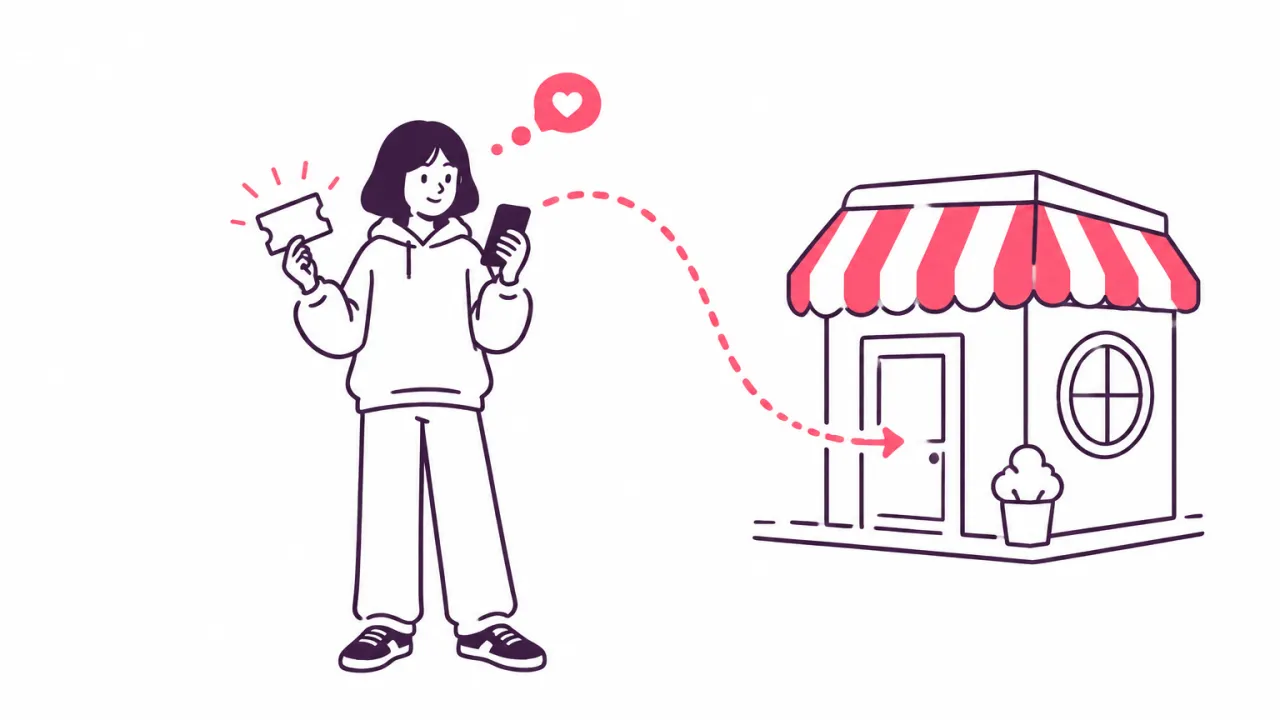
Give each affiliate both: a link and a coupon code. The link is for every place a shopper can tap. The code is for the places they can't, like a video or a printed card. And when a shopper arrives with both, the link should decide who gets the sale.
Here is what each one is good for, where codes go wrong, and what to tell your affiliates.
What an affiliate link is good for
A link carries the affiliate's name with it. The shopper taps, lands in your shop, and you know who sent them. Nobody has to remember or type anything.
- It works wherever a shopper can tap: a profile, a post, a message, an email.
- It can go straight to one product, not only to your home page.
- It shows you clicks as well as sales, so you can see who sends visitors that don't buy yet.
- It can't be copied onto a coupon site and used by a shopper nobody sent.
In Udeely: each affiliate gets their own link and a QR code for it, and can make a link to a single product. A click counts for 30 days unless you change it. If you give shoppers a discount, the link adds it at checkout, so nobody types a code.
What an affiliate coupon code is good for
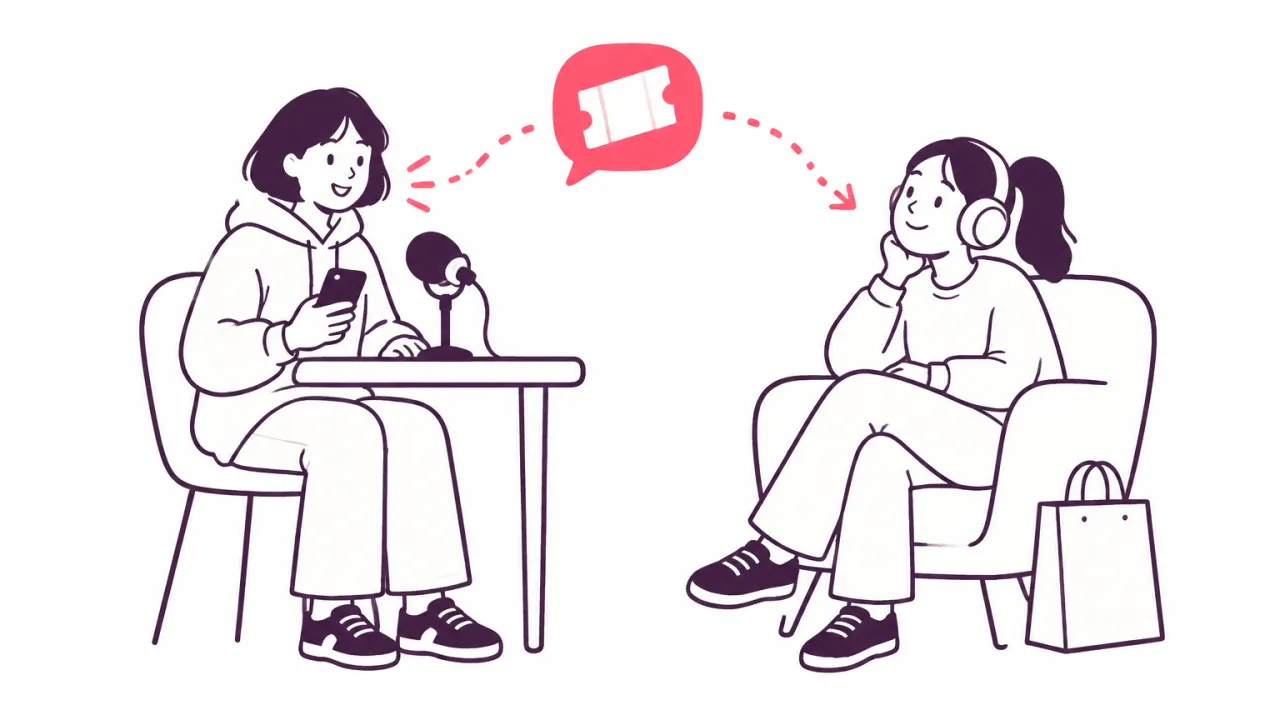
A code goes where a link can't:
- Said out loud, in a video or a podcast.
- In print, on a card in a parcel or a flyer at a market stall.
- From memory. A shopper who heard about you last week can still type a short code today.
A code also gives the shopper a reason to buy now, because it takes something off the price.
In Udeely: an affiliate can have a discount code as well as a link. A sale with their code is credited to them even if the shopper never clicked their link.
Where affiliate coupon codes go wrong
A code is only a word, and anyone can pass it on. That is its strength and its weakness.
A code gets posted on a coupon site. A shopper who was already at your checkout looks for a discount, finds it, and types it in. Now you give a discount and pay a commission on a sale that nobody sent you. Browser tools that try codes at checkout do the same thing for the shopper. We explain both in how coupon tools take affiliate commissions.
So a code needs limits.
In Udeely: each code works once per customer unless you change it. You can also cap how many times a code is used in all, and set the smallest order it works on. These limits are on every plan.
Why the link should decide who gets the sale
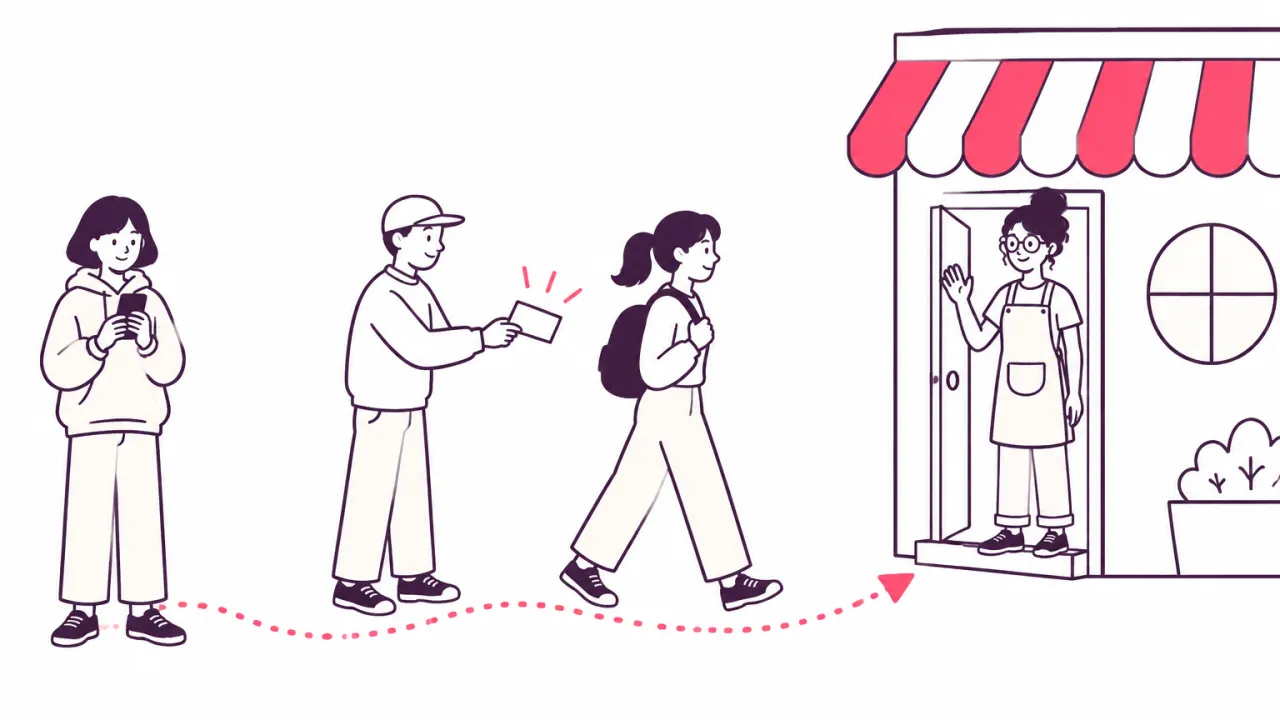
Sometimes a shopper has both. They tapped one affiliate's link, and at checkout they typed a code they found somewhere else. Who gets the sale?
The link shows who brought the shopper to your shop. The code shows only what was typed at the end. So the fair rule is: the link decides. The code can still give its discount, but it should not take the sale from the person who did the work.
This rule also protects your affiliates from each other. Without it, the last code typed wins, and the affiliate who made the video loses to the one whose code is on a coupon site.
In Udeely: when a shopper comes through an affiliate's link, a code entered at checkout can't take the sale away from that affiliate. The Affiliates list marks an affiliate when a large share of their sales came by code and not by a link click, so you can ask them where the code is being shared.
What to tell your affiliates
Most affiliates have never been told which to use. Tell them in three lines:
- Put your link wherever people can tap it.
- Say your code where they can't, and show it on screen too.
- Never post your code on a coupon site. Sales from there are not yours.
Write the last line into your terms as well. Affiliate fraud: five things to watch out for shows what else belongs there, and what commission should you pay your affiliates? helps you set the discount and the rate together.
In Udeely: your join page shows your terms, and nobody can sign up without agreeing to them. Each affiliate sees their link, their code and their sales in their own dashboard.
Run your whole affiliate program in one app
Udeely runs your whole affiliate program in one app. You recruit affiliates, track sales by link or code, and pay commissions by payout list or store credit. You see where each affiliate's audience comes from. Affiliates get their own dashboard with live earnings, and can bring in more affiliates.
Udeely is free for up to 30 affiliates. Growth, with every tool, is $19.99 a month. Find Udeely on the Shopify App Store.
Frequently asked questions
What are affiliate coupon codes?
An affiliate coupon code is a discount code that belongs to one affiliate. A shopper types it at checkout, gets the discount, and the sale is credited to that affiliate.
Should affiliates share a link or a coupon code?
Both. The link goes wherever a shopper can tap. The code is for a video, a podcast or a printed card, where a shopper can't tap anything.
What happens when a shopper uses one affiliate's link and another's code?
That depends on the app. In Udeely the link decides: the affiliate whose link brought the shopper keeps the sale, and the code only gives its discount.
How do I stop affiliate codes ending up on coupon sites?
You can't stop people copying a code. You can limit the harm: let each code work once per customer, cap its total uses, and say in your terms that sales from coupon sites earn nothing.
Do affiliates need a coupon code at all?
No. A link is enough for anyone who shares where people can tap. Add a code for affiliates who talk on video or hand out printed cards.
Ready to start your program?
Udeely is free to start — install it and approve your first affiliate today.
Get started with Udeely