
What to agree before you sponsor an affiliate's post

Before you pay to show an affiliate's post as your ad, agree five things: which post, what they earn on sales from the ad, how long it runs, who can end it, and what happens to the post. Put it in writing, even if it is five lines.
The post is theirs. It has their face and their name on it. A clear deal keeps a good affiliate on your side. If sponsoring a post is new to you, read TikTok Spark Ads: turn an affiliate's best post into your ad first.
1. Which post
Name one post, by its link. "Your posts" is not a deal. The affiliate should know exactly which one will be shown to strangers.
If you are happy for them to choose, say that. They know which post they are proud of.
In Udeely: this is called Sponsor a post, on the Growth plan. When you ask, you can name the post by its link or leave the choice to the affiliate, and add a note. The request tells the affiliate that a post with a chart song, GIF stickers, polls or filters can't be used as an ad, so they pick one that can.
2. What they earn on sales from the ad
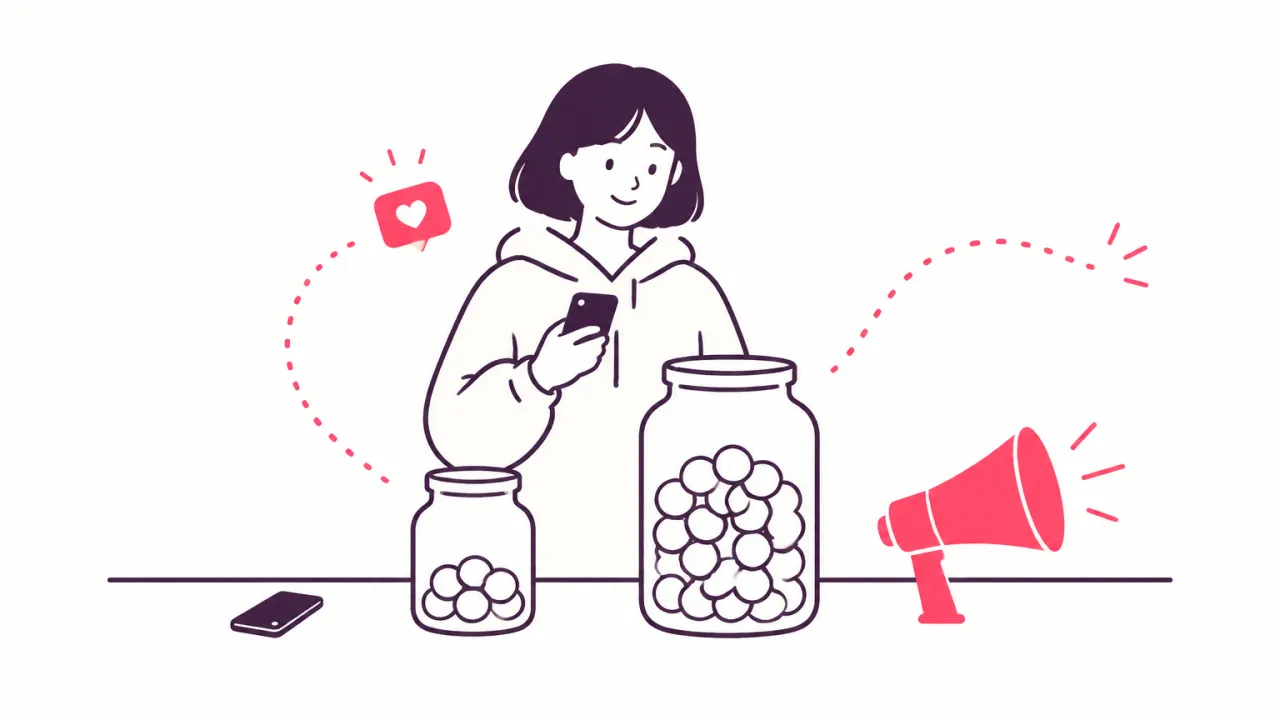
The ad brings sales the affiliate did not have to find, and you pay for the views. So the commission on ad sales can be different from their usual rate. Some shops pay less on ad sales because they carry the cost of the ad. Some keep the same rate to keep it simple.
Whatever you choose, keep to three rules:
- Say the rate before they agree.
- Don't change it afterwards.
- Their own link keeps its usual rate.
A small one-off thank-you for saying yes is a kind touch. What commission should you pay your affiliates? helps you work out a rate you can afford on top of the ad budget.
In Udeely: you set the commission for that ad when you ask. The affiliate sees it before they answer, and it does not change afterwards. Sales from their own link keep their usual rate. You can add a one-off thank-you, which goes onto their next payout when they send the code.
3. How long it runs
The affiliate gives permission with a code, and they choose how long the code works. Agree the time before they make the code, so it is long enough for a fair test.
Agree what happens when the time is up, too. The simple rule: you ask again, and they can say no.
In Udeely: the affiliate says how long their code works, and you see the day it runs out. If you want to keep the ad going, one button asks them for a new code.
4. Who can end it
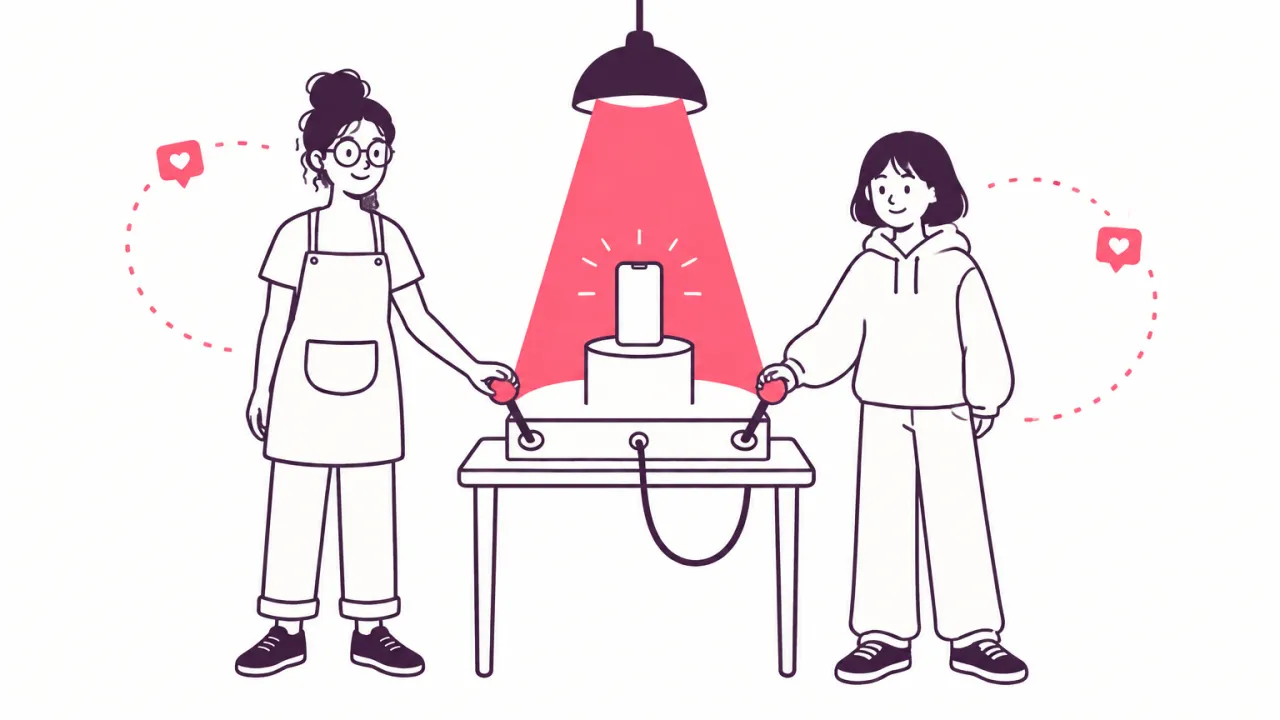
Both of you. The affiliate should be able to end it on any day, without giving a reason. It is their name on the ad. You should be able to stop when the ad is not paying for itself.
Agree how fast you switch the ad off when they ask. The same day is a good promise.
In Udeely: either side can end a sponsored post. When the affiliate ends it, you get an email asking you to stop the ad. Udeely can't switch the ad off for you. You do that in your ad tool.
5. What happens to the post
While the ad runs, the post has to stay up. Ask the affiliate to tell you first if they want to take it down, so you can stop the ad before they do.
The ad also brings strangers into their comments. Agree who answers questions about the product. Most affiliates are glad to send those to you.
In Udeely: the affiliate's dashboard shows the sponsored post as live, with the commission they earn on sales from the ad. Both of you look at the same deal.
Count the ad's sales on their own
None of this works if you can't tell an ad sale from an ordinary one. Give the ad its own link. Then you can pay the right rate, and you can see if the ad paid for itself.
Not sure a post is ready for an ad yet? Try affiliates before you pay for ads shows the signs to wait for.
In Udeely: each sponsored post gets its own link for the ad. Visits and sales that come through it are counted for that ad. The commission waits and is paid like any other. See how and when to pay your affiliates.
Five lines you can copy
- The post: (its link).
- On sales from the ad you earn (the rate). Your own link keeps your usual rate.
- The ad runs for up to (how long). I will ask before it goes on.
- You can end it on any day. I will switch the ad off the same day.
- Please tell me first if you want to take the post down.
Send it as a message and ask for a yes. That is enough for a first test.
Run your whole affiliate program in one app
Sponsor a post is one part of Udeely. The app runs your whole affiliate program: you recruit affiliates, track sales by link or code, and pay commissions by payout list or store credit. You see where each affiliate's audience comes from. Affiliates get their own dashboard with live earnings, and can bring in more affiliates.
Udeely is free for up to 30 affiliates. Growth, with every tool, is $19.99 a month. Find Udeely on the Shopify App Store.
Frequently asked questions
What should I agree before I sponsor an affiliate's post?
Five things: which post, the commission on sales from the ad, how long the ad runs, who can end it, and what happens to the post while the ad is on.
Should the commission on ad sales be lower?
It can be, because you pay for the views. It can also stay the same. What matters is that the affiliate knows the rate before they say yes, and that it does not change afterwards.
Can the affiliate end a sponsored post?
Yes, and they should be able to on any day. In Udeely the affiliate ends it in their dashboard, and you get an email asking you to stop the ad.
How long should a sponsored post run?
Long enough for a fair test. The affiliate chooses how long their code works. When it runs out, ask again.
Do I need to put it in writing?
Yes, even if it is five lines in a message. Both of you can look back at it, and it shows the affiliate you take their post seriously.
Ready to start your program?
Udeely is free to start — install it and approve your first affiliate today.
Get started with Udeely